




Description
Download BOOM MEGABOOM by Ultimate Ears APK – Wireless Bluetooth Speakers, PartyUp, Custom EQ, Remote Control
Overview
The UE BOOM by Ultimate Ears app is a dedicated companion tool designed to enhance the functionality and user experience of Ultimate Ears wireless Bluetooth speakers. This software enables seamless integration between compatible Android devices and select Ultimate Ears speaker models, offering users greater control over their audio setup. The primary purpose of the app is to extend the capabilities of the hardware, transforming a simple speaker into a customizable, multi-device audio hub. It is particularly suited for users who value immersive sound, social listening, and personalized audio profiles. Whether used at home, during outdoor gatherings, or in social settings, the app helps users maximize the performance of their speaker system.
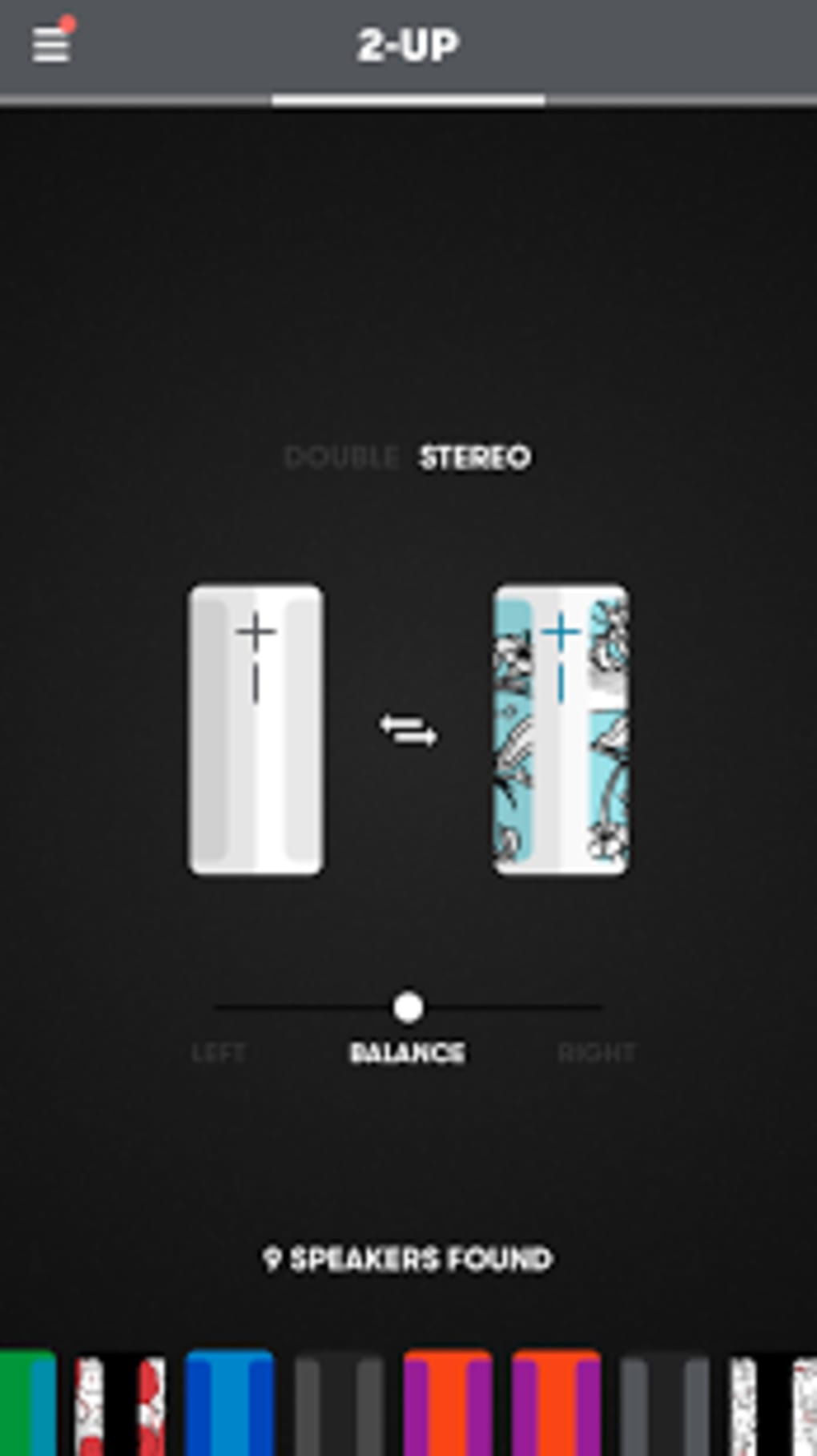
One of its key functions is enabling the #PartyUp feature, which allows users to connect up to 150 speakers simultaneously. This capability is ideal for large-scale events, parties, or public spaces where synchronized audio across multiple units is desired. The app also supports remote on/off control, allowing users to power their speaker without physical access. Customization options include renaming the device, adjusting equalizer settings, and saving preferred audio profiles. These features collectively address common pain points such as limited control, lack of personalization, and difficulty managing multiple speakers in a shared environment. While the developer did not provide additional system requirements or details about the app’s technical architecture, its core functionality remains focused on enhancing wireless audio experiences through intuitive digital control.
Key Features & Capabilities
- #PartyUp Multi-Speaker Sync – Connect up to 150 Ultimate Ears speakers wirelessly for synchronized playback, ideal for large events or immersive soundscapes.
- Remote Power Control – Turn your speaker on or off from your mobile device without needing to physically access the hardware.
- Customizable EQ Settings – Adjust bass, treble, and midrange levels to tailor the sound profile to personal preference or environment.
- Device Naming & Profile Saving – Rename your speaker and save custom EQ presets for instant recall across sessions.
- Playlist Presets – Create and store favorite playlists directly within the app for quick access and playback.
- Update Notifications – Stay informed about new features, bug fixes, and firmware updates through in-app alerts.
These capabilities streamline the user experience by centralizing speaker management in a single interface. For example, a user hosting a backyard party can use #PartyUp to synchronize multiple speakers across the yard, then adjust the EQ to compensate for outdoor acoustics. Another user might prefer a deep bass profile for home workouts and save it as a preset for future use. The remote power feature is especially useful when the speaker is placed out of reach, such as on a high shelf or in a storage area. The app’s focus on personalization and control reflects a user-centric design philosophy, making it more than just a connectivity tool—it’s an extension of the speaker’s functionality.
User Interface, Workflow & Performance
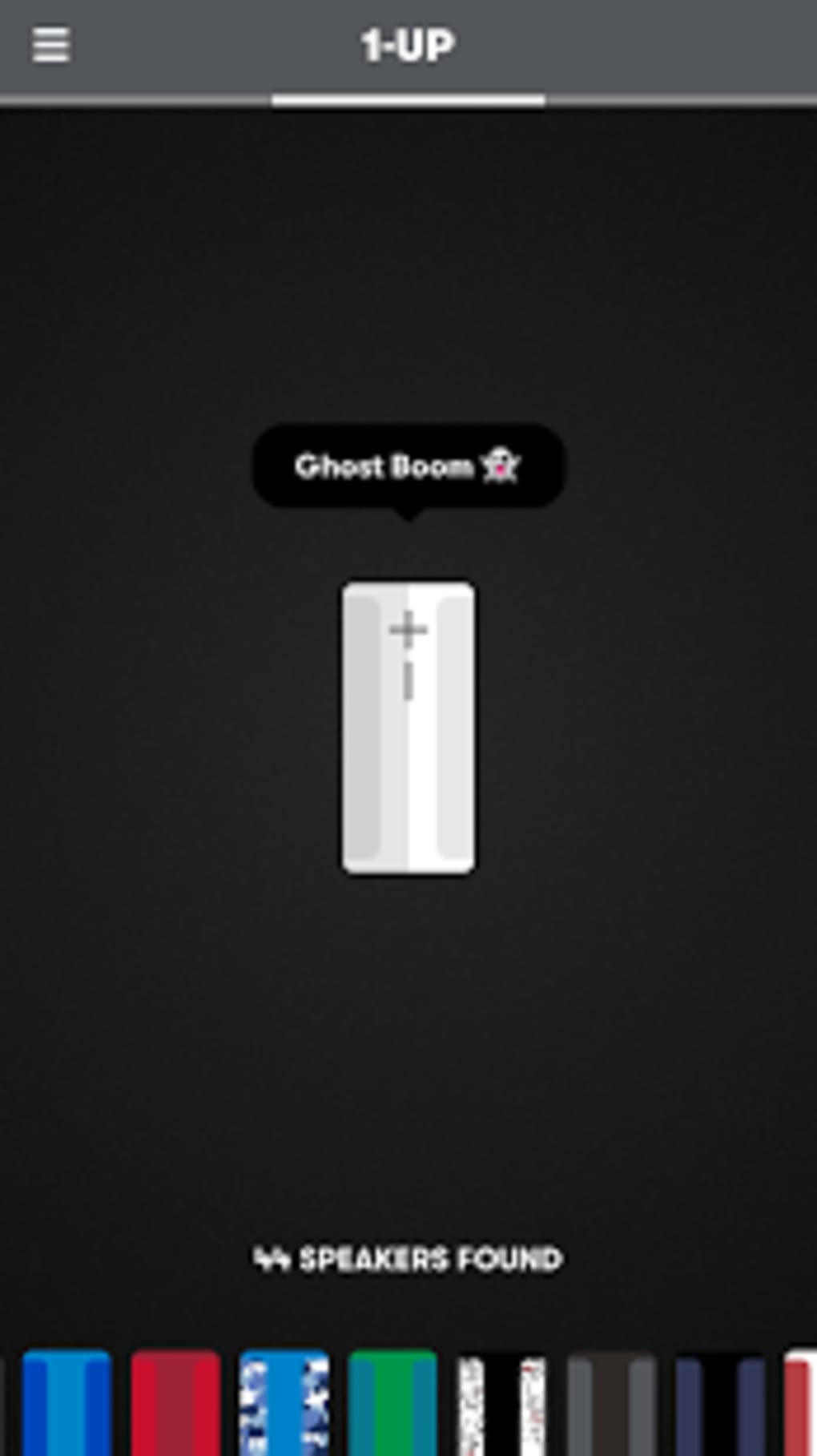
The app features a clean, intuitive interface designed for ease of navigation on Android devices. Users can access core functions such as pairing, EQ adjustment, and device control through clearly labeled menus and visual indicators. The workflow is streamlined, allowing users to connect, configure, and manage their speaker with minimal steps. For instance, after launching the app, users can quickly scan for nearby speakers, select one, and begin adjusting settings within seconds.
Performance observations are based on general software behavior patterns. The app maintains responsiveness during routine tasks like adjusting EQ or toggling power states. However, exact performance details were not specified by the developer. The app does not report real-time CPU or RAM usage, nor does it indicate whether background processes consume significant resources. Stability during extended use or multi-speaker synchronization has not been independently verified. The developer did not specify resource usage details, so users should expect typical performance levels for a Bluetooth management app on modern Android devices. Overall, the interface prioritizes usability over complexity, making it accessible to both casual listeners and power users.
Compatibility & System Requirements
The UE BOOM by Ultimate Ears app is designed for Android devices and supports compatible Ultimate Ears wireless Bluetooth speaker models. The software is available as an APK file, allowing installation on Android platforms without requiring the Google Play Store. The app’s installation size is not specified, nor are the minimum hardware requirements for the device. The developer did not provide information on supported Android versions or specific device compatibility beyond the general platform.
Compatibility information was partially provided. Users should ensure their Android device meets standard Bluetooth 4.0 or higher requirements to enable proper pairing. The app may not function correctly on older or non-standard Android versions. For users seeking the latest version, the APK format suggests direct distribution, which may require enabling installation from unknown sources. The developer did not clarify whether the app supports other operating systems such as iOS or desktop platforms. Users should verify compatibility with their specific speaker model before installation.
Pros and Cons
Pros
- Enables connection of up to 150 speakers via #PartyUp for large-scale audio events
- Remote on/off control enhances convenience and accessibility
- Customizable EQ settings allow personalization of sound profiles
- Supports device renaming and preset saving for tailored user experience
- Offers in-app notifications for updates and new features
- Available as an APK for flexible installation on Android devices
Cons
- Exact system requirements and supported Android versions were not listed
- No information on performance impact or resource usage
- App is limited to Android; no official support for iOS or desktop platforms
- APK distribution may raise security concerns for cautious users
- Advanced features may require specific Ultimate Ears speaker models
FAQ Section
Is the UE BOOM app compatible with iOS devices?
The app is designed for Android devices and is not officially supported on iOS. Users with Apple devices may need to rely on alternative methods or companion apps, if available.
Can I use this app with any Bluetooth speaker?
No. The app is specifically designed to work with compatible Ultimate Ears wireless Bluetooth speaker models. It may not function with other brands or non-UE devices.
Is the APK file safe to download?
The app is distributed as an APK, which requires users to enable installation from unknown sources. While the app is developed by Ultimate Ears, users should download it from trusted sources to ensure security and avoid potential risks.
Does the app require an internet connection?
The app does not require a constant internet connection for basic functions like pairing or controlling the speaker. However, update notifications and firmware downloads may require an active connection.
Can I update the app manually?
Yes. Since the app is distributed as an APK, users can manually install updates by downloading the latest version from the official source. This allows for control over when updates are applied.
Final Thoughts + CTA
The UE BOOM by Ultimate Ears app delivers a powerful set of tools that significantly enhance the functionality of compatible wireless speakers. With features like multi-speaker synchronization, remote control, and customizable audio profiles, it stands out as a must-have companion for users who prioritize immersive sound and convenience. While the app’s availability is limited to Android and lacks detailed system requirements, its core capabilities remain robust and well-executed. It is particularly beneficial for social users, event hosts, and audiophiles seeking personalized control over their audio setup.
Despite minor limitations in platform support and transparency around performance, the app maintains a strong focus on usability and feature depth. Its ability to unify multiple speakers and offer remote management makes it a standout in the wireless audio space. For those invested in the Ultimate Ears ecosystem, this app is not just useful—it’s essential.
Download BOOM MEGABOOM by Ultimate Ears APK now and take full control of your music experience.
Guides & Tutorials for BOOM MEGABOOM by Ultimate Ears APK
How to install BOOM MEGABOOM by Ultimate Ears APK
- Click the Preview / Download button above.
- Once redirected, accept the terms and click Install.
- Wait for the BOOM MEGABOOM by Ultimate Ears APK download to finish on your device.
How to use BOOM MEGABOOM by Ultimate Ears APK
This software is primarily used for its core features described above. Open the app after installation to explore its capabilities.
User Reviews for BOOM MEGABOOM by Ultimate Ears APK 0
No reviews found





